Build a RAG Chatbot in Java with Spring AI and pgvector
Most AI tutorials are in Python. But if your company runs on Java and Spring Boot, you don't need to switch languages to add AI features. Spring AI gives you the same programming model you already know: starters, auto-configuration and beans.
In this post we'll build a RAG (Retrieval-Augmented Generation) chatbot that answers questions from your own documents, like internal policies, product manuals or runbooks.
What is RAG, in one minute?
An LLM doesn't know your private documents. RAG fixes that in two phases:
- Ingest: split documents into chunks, turn each chunk into an embedding (a vector of numbers that captures meaning), and store it in a vector database.
- Ask: embed the user's question, find the most similar chunks, and send them to the LLM along with the question: "Answer using only this context."
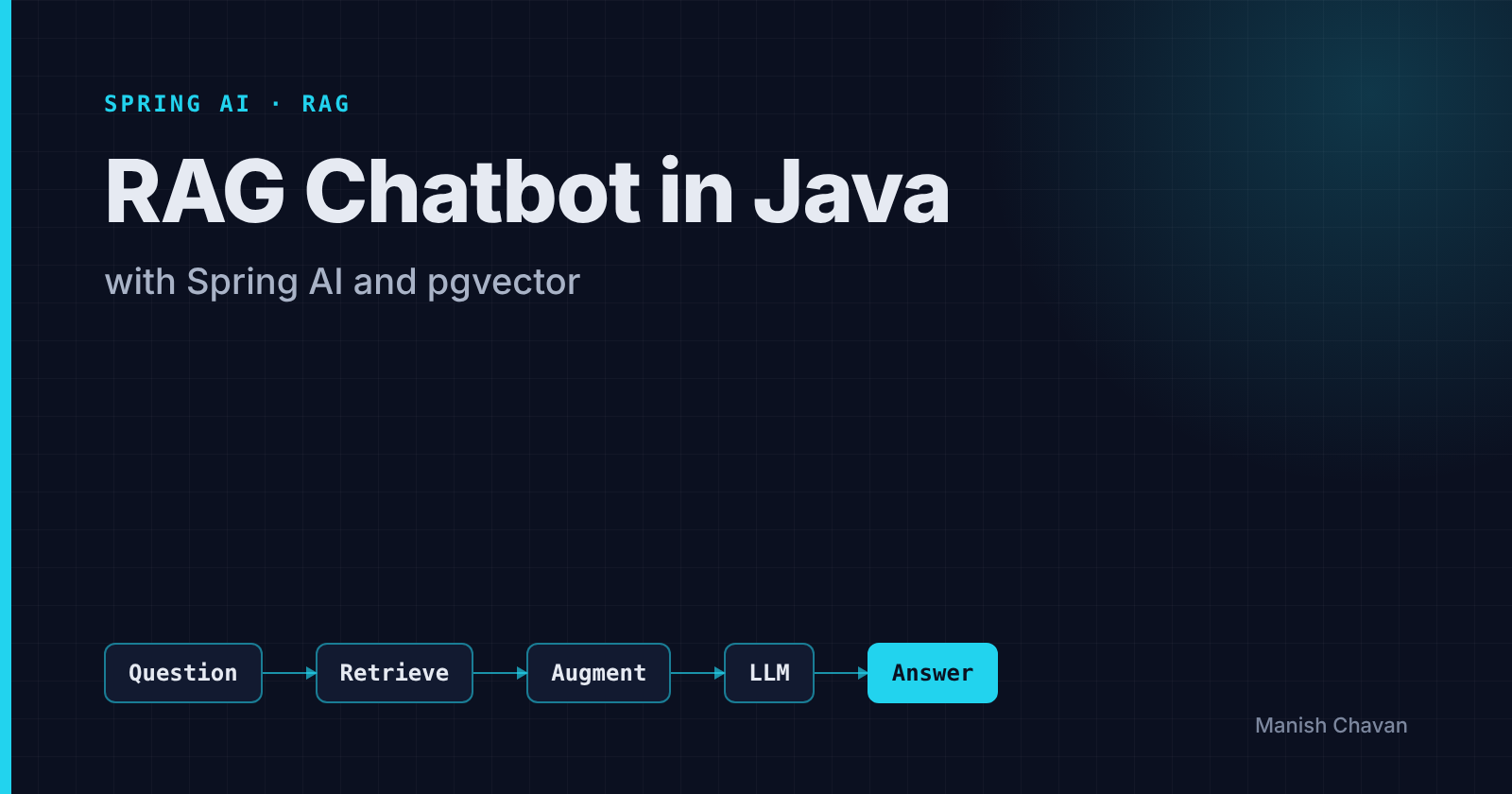
Question ──▶ Embed ──▶ Vector search (pgvector) ──▶ Top-K chunks
                                                       │
                              LLM ◀── prompt: context + question
                               │
                            Answer
The model stays the same. You just give it the right information at the right time.
1. Dependencies
We'll use OpenAI for the model and PostgreSQL + pgvector as the vector store, so no new database to learn.
<dependencyManagement>
  <dependencies>
    <dependency>
      <groupId>org.springframework.ai</groupId>
      <artifactId>spring-ai-bom</artifactId>
      <version>1.0.3</version>
      <type>pom</type>
      <scope>import</scope>
    </dependency>
  </dependencies>
</dependencyManagement>

<dependencies>
  <dependency>
    <groupId>org.springframework.ai</groupId>
    <artifactId>spring-ai-starter-model-openai</artifactId>
  </dependency>
  <dependency>
    <groupId>org.springframework.ai</groupId>
    <artifactId>spring-ai-starter-vector-store-pgvector</artifactId>
  </dependency>
  <dependency>
    <groupId>org.springframework.ai</groupId>
    <artifactId>spring-ai-advisors-vector-store</artifactId>
  </dependency>
  <dependency>
    <groupId>org.springframework.ai</groupId>
    <artifactId>spring-ai-tika-document-reader</artifactId>
  </dependency>
</dependencies>
Check the Spring AI docs for the latest version number.
Run Postgres with pgvector locally:
docker run -d -p 5432:5432 -e POSTGRES_PASSWORD=postgres pgvector/pgvector:pg16
2. Configuration
spring:
  datasource:
    url: jdbc:postgresql://localhost:5432/postgres
    username: postgres
    password: postgres
  ai:
    openai:
      api-key: ${OPENAI_API_KEY}
      chat:
        options:
          model: gpt-4o-mini
          temperature: 0.2
      embedding:
        options:
          model: text-embedding-3-small
    vectorstore:
      pgvector:
        initialize-schema: true
        dimensions: 1536
        distance-type: COSINE_DISTANCE
        index-type: HNSW
initialize-schema: true creates the vector_store table and index for you. Keep the API key in an environment variable, never in Git.
3. Ingesting documents
Spring AI's ETL pipeline reads files (PDF, Word, HTML… via Apache Tika), splits them into chunks, and stores the embeddings.
@Service
@RequiredArgsConstructor
public class IngestionService {

    private final VectorStore vectorStore;

    public void ingest(Resource file) {
        List<Document> docs = new TikaDocumentReader(file).get();

        List<Document> chunks = new TokenTextSplitter().apply(docs);

        chunks.forEach(c -> c.getMetadata().put("source", file.getFilename()));

        vectorStore.add(chunks);   // embeds + saves in one call
    }
}
Why chunk? Models have a limited context window, and smaller chunks give more precise search results. Chunks of a few hundred tokens are a good starting point.
4. Asking questions
This is where Spring AI really shines. The QuestionAnswerAdvisor does the retrieval and prompt building for you.
@RestController
@RequestMapping("/api/chat")
public class ChatController {

    private final ChatClient chatClient;

    public ChatController(ChatClient.Builder builder, VectorStore vectorStore) {
        this.chatClient = builder
            .defaultSystem("""
                You are a helpful assistant for our internal documentation.
                Answer only from the provided context.
                If the answer is not in the context, say "I don't know".
                """)
            .defaultAdvisors(QuestionAnswerAdvisor.builder(vectorStore)
                .searchRequest(SearchRequest.builder()
                    .topK(4)
                    .similarityThreshold(0.5)
                    .build())
                .build())
            .build();
    }

    @PostMapping
    public String ask(@RequestBody String question) {
        return chatClient.prompt()
                .user(question)
                .call()
                .content();
    }
}
That's the whole chatbot. Each request: embed question → search pgvector → add the top 4 chunks to the prompt → call the model.
5. Making it production-ready
A demo works on day one. Production needs a bit more:
- Say "I don't know". The system prompt above reduces hallucinations a lot. Test it with questions that are not in your docs.
- Show sources. Return the
sourcemetadata so users can verify the answer. - Filter by metadata. Use a filter expression (for example by department or document type) so users only search what they're allowed to see.
- Stream responses. Use
.stream().content()to return aFlux<String>for a ChatGPT-like typing effect. - Watch costs. Log token usage per request. Embeddings are cheap; chat calls with big contexts are not.
- Protect data. Don't send sensitive personal data to an external model unless your company's policy allows it. Many teams use Azure OpenAI, AWS Bedrock or a self-hosted model for this reason, and Spring AI supports them by swapping the starter.
- Re-ingest on change. When a document is updated, delete its old chunks (by
sourcemetadata) and add the new ones.
Interview-style questions
Q: What is an embedding? A list of numbers representing the meaning of text. Similar meanings produce vectors that are close together, which is what makes semantic search possible.
Q: RAG vs fine-tuning? RAG adds knowledge at query time and is easy to keep up to date. Fine-tuning changes the model's behavior or style, and is expensive to redo when data changes. For "answer from our documents," RAG is usually the right first choice.
Q: Why pgvector instead of a dedicated vector database? If you already run Postgres, you get vectors, normal SQL, transactions and backups in one place. Dedicated vector databases make sense at very large scale.
Wrapping up
With Spring AI, adding an AI assistant to a Java backend is mostly configuration plus a few beans. If you know Spring Boot, you already know 80% of what you need.
Next in this series: exposing your Spring Boot APIs to AI assistants with the Model Context Protocol (MCP).
About the author
- Experienced Full stack Developer with over 6 years of expertise in creating intuitive user interfaces. Specializing in JavaScript, I have a comprehensive understanding of the entire software lifecycle and can effortlessly transition between backend and full-stack development. My versatile background includes working with diverse companies, from small start-ups to large multinational corporations.
Comments
Join the discussionNo comments yet. Be the first to comment.